In short
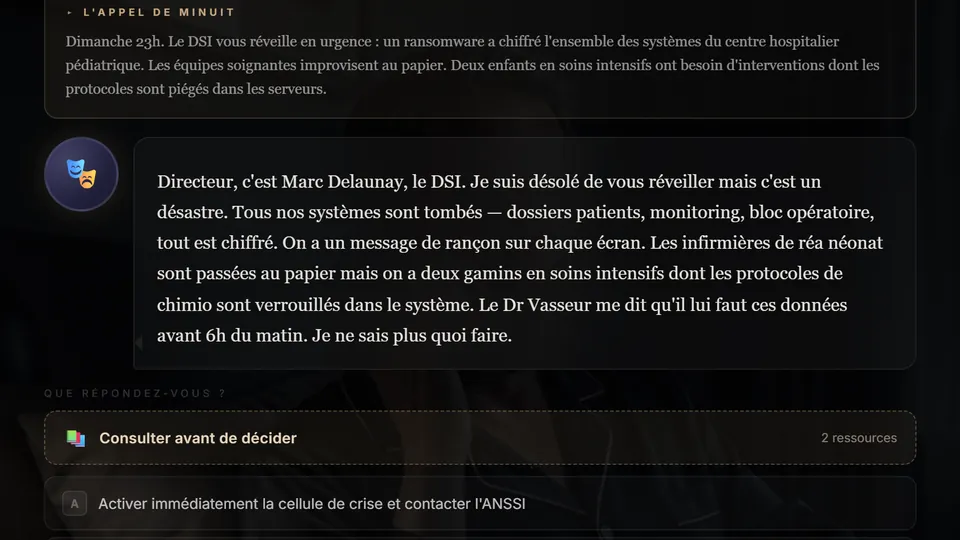
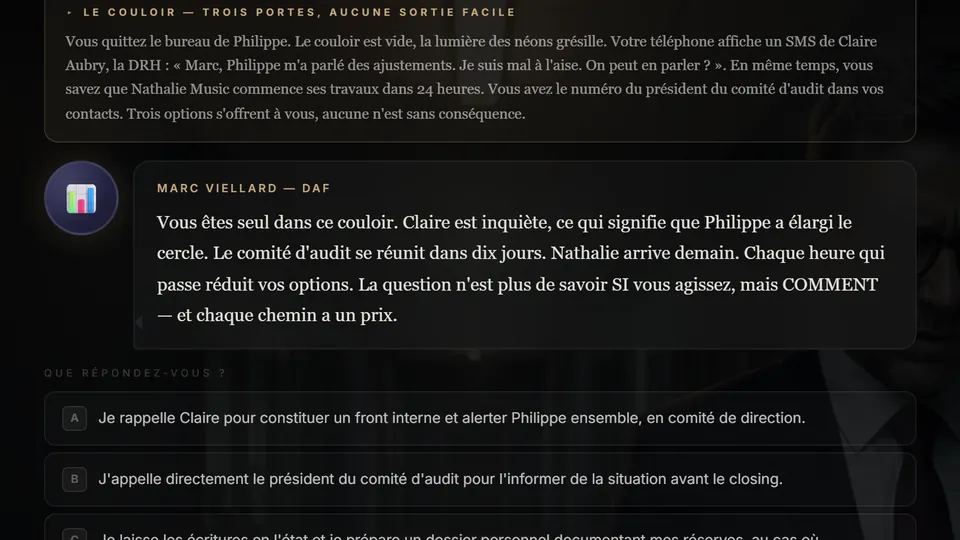
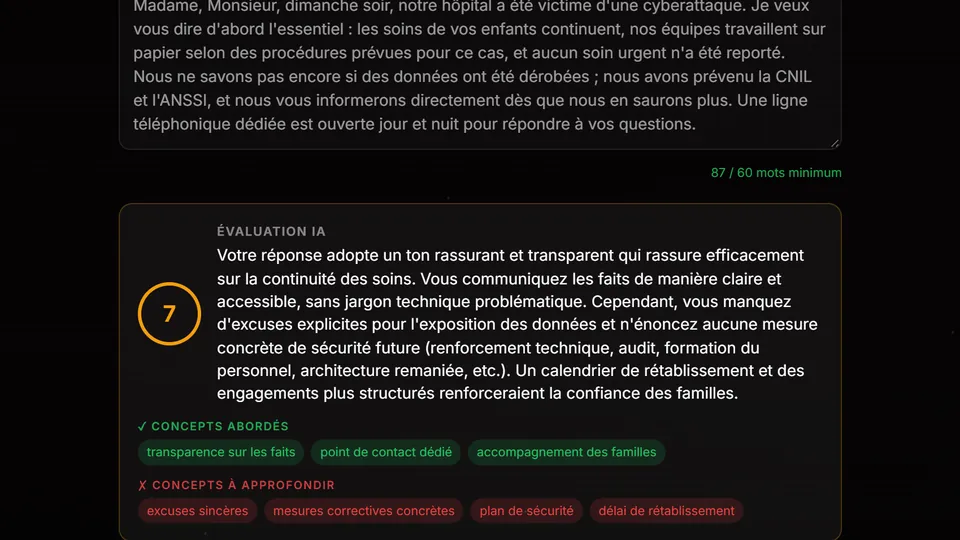
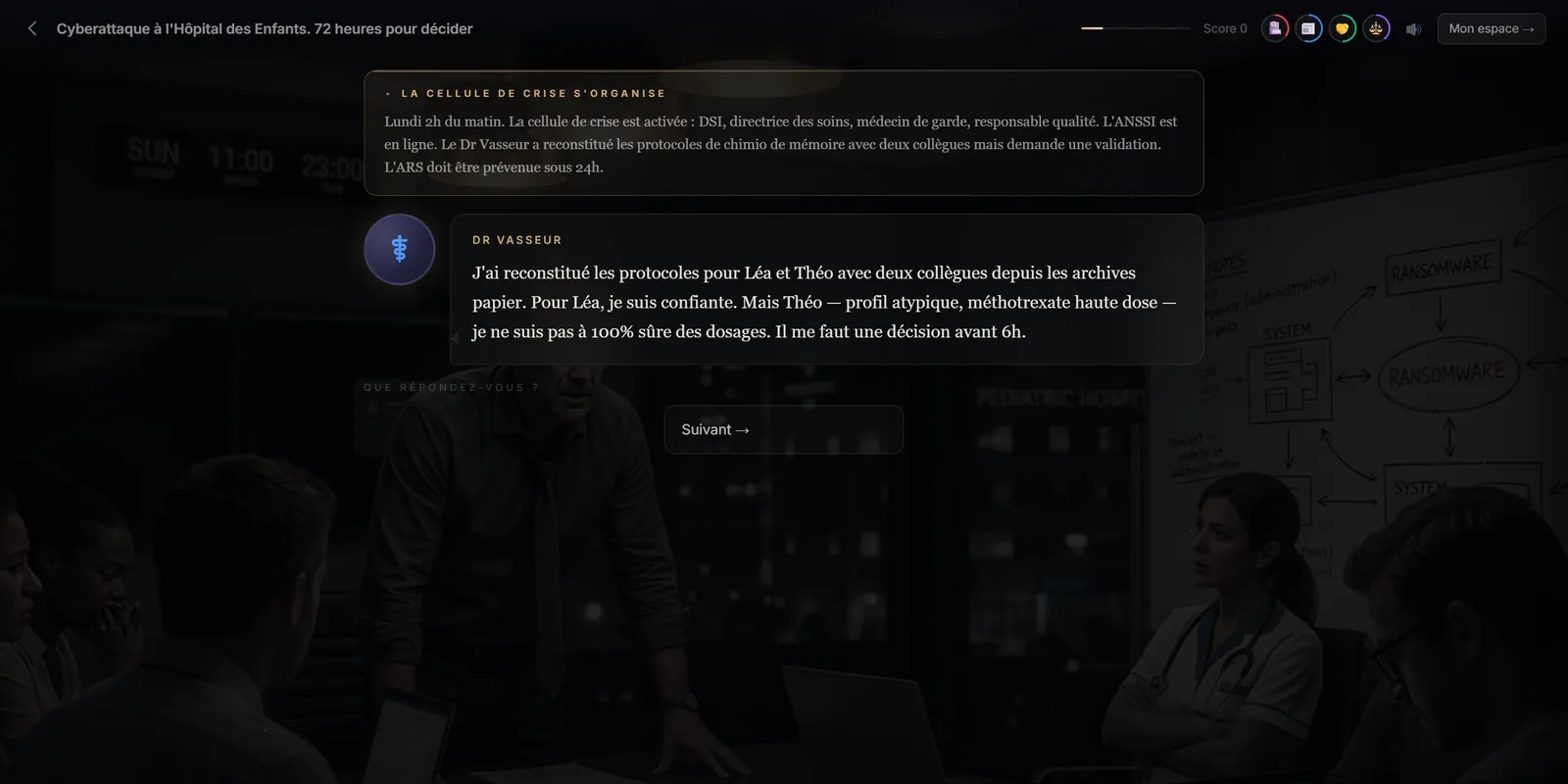
The dialogue scene presents several successive lines (usually three to five) from one or more characters, which the learner advances at their own pace with the “Next” button, then offers two to four replies. As in multiple choice, each reply carries a score, feedback, effects on the gauges and its own continuation. Immersio's engine places at least one dialogue in every scenario.
At a glance
- What the learner does
- Follows the exchange line by line, then replies.
- Structure
- 3 to 5 lines, then 2 to 4 possible replies.
- Measured
- Score and gauges, as in multiple choice.
- In the engine
- At least one dialogue per scenario, at every level.
- Editable by hand
- Not in the training provider editor; through an improvement instruction.
Why train communication through dialogue?
Because a reply is only as good as its fit with what was just said. In a dialogue scene, the learner hears the irritation build, the objections sharpen, an argument come back for the third time. When their turn comes, they don't choose a reply “in general”: they answer this person, in this state.
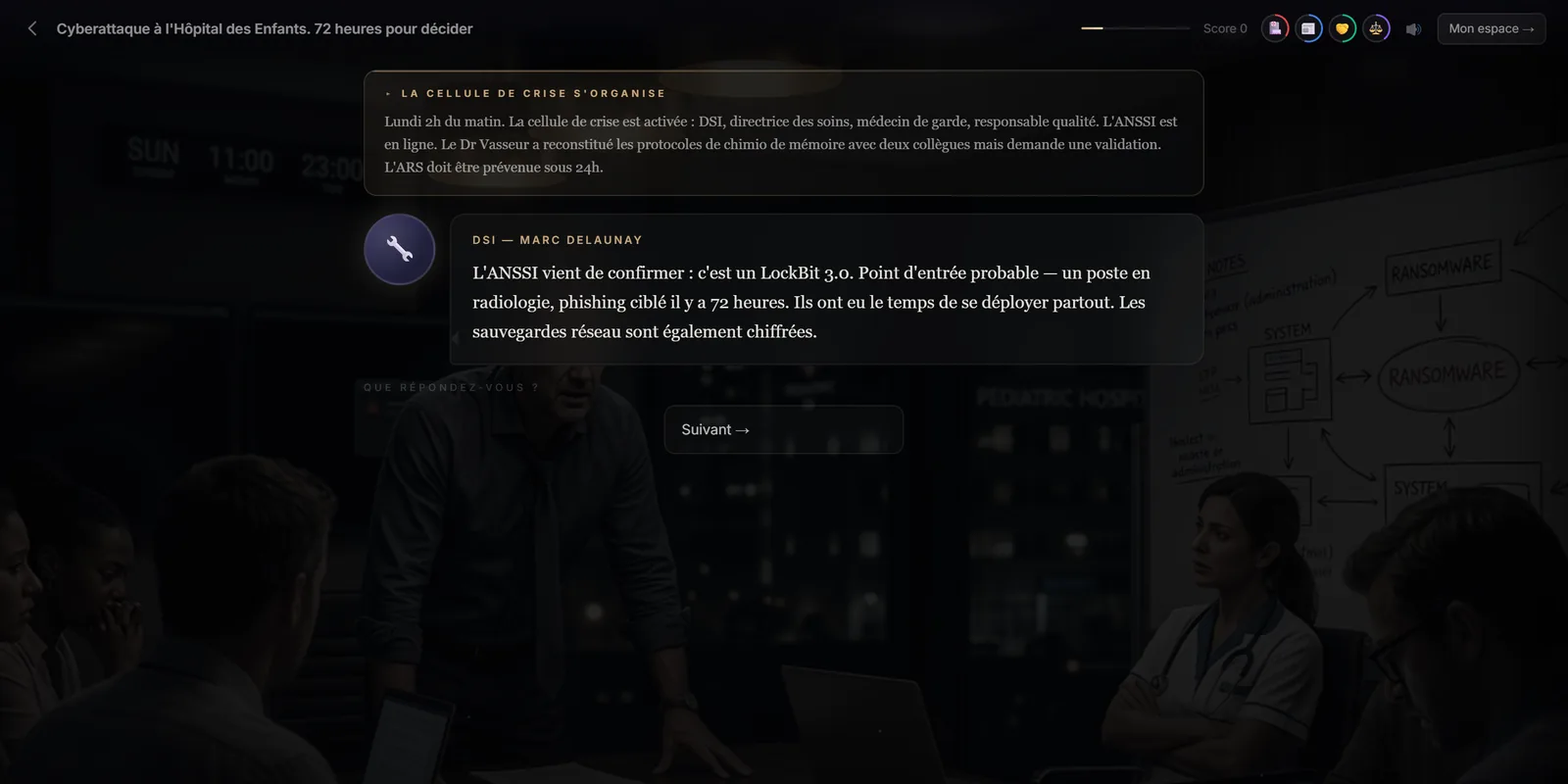
Splitting the exchange into lines has a simple teaching virtue: it forces learners to listen to the end. A learner who wants to answer too early discovers, line after line, the piece of information that changes everything.
Which situations call for a dialogue scene?
- Management: corrective conversation, announcing an unpopular decision, an employee in difficulty.
- Customer relations: a complaint, a customer demanding an exception, negotiating a deadline.
- Health and social care: speaking to a family, a patient refusing treatment, tension in an on-call team.
- Sales: price objection, needs discovery, a competitor mentioned by the prospect.
How do you write a believable dialogue?
- Give the other person a goal. A customer who wants a refund doesn't talk like a customer who wants to be heard.
- Build the tension: each line adds information or pressure.
- Keep the vocabulary of the trade. That's what makes the scene credible to professionals.
- Offer replies that differ in stance: listen, reassure, set boundaries, give in. Stance is what's learned, more than exact wording.
In the studio, just describe the situation and the characters in the brief: Immersio's engine writes the lines and the replies, keeping the same characters from one scene to the next.
What the dialogue scene doesn't do
It isn't a free conversation: the lines are written in advance and the learner chooses among proposed replies. To have them word their own answer, use the open question. In the training provider editor, dialogue lines can't yet be edited one by one: you rework them through an improvement instruction on the scenario.
Frequently asked questions
How many characters can a dialogue include?
Each line has its own speaker, so a dialogue can involve one or several characters, for example a director and a deputy who disagree.
Can the learner go back?
Yes. The “Back” button undoes the last choice and restores the score and gauges, so another reply can be explored.
Is the dialogue voiced?
No. Lines are written and appear one after another; learners read them at their own pace.
Create your first scenario
A training provider account gives you the studio, the scene formats and all four matrices. 7-day free trial, no credit card required, with 3 scenario generations to judge the result on your own topic. Scenarios are generated in French.
Create a training provider accountPrefer to compare first? See pricing · How it works