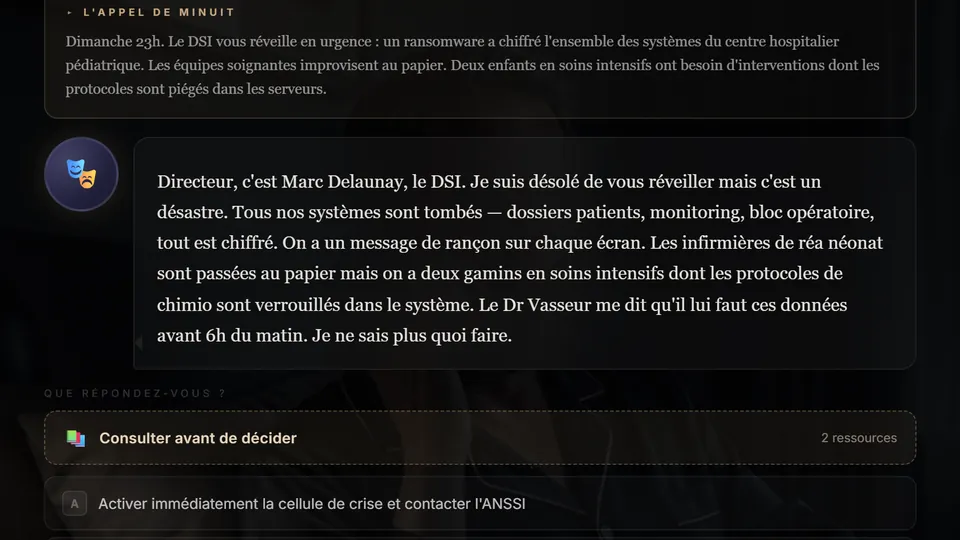
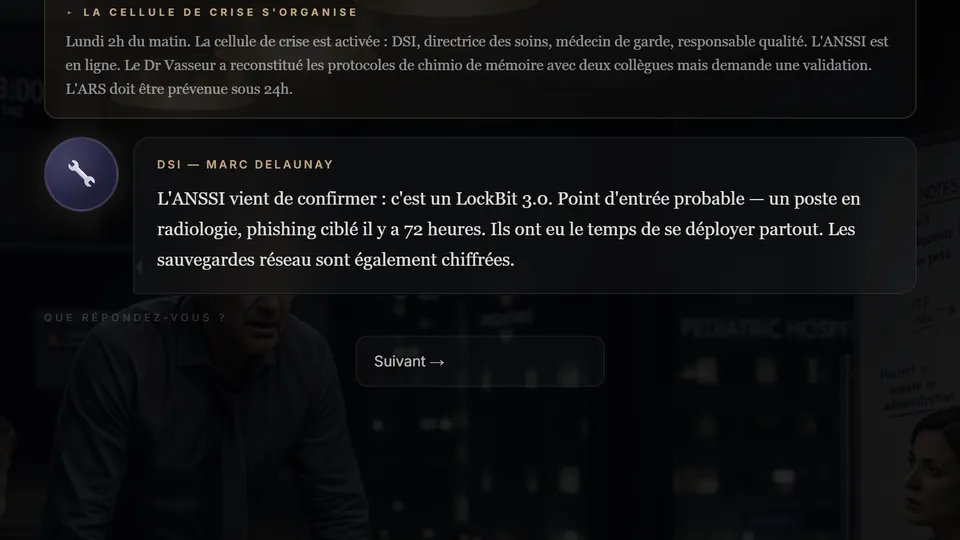
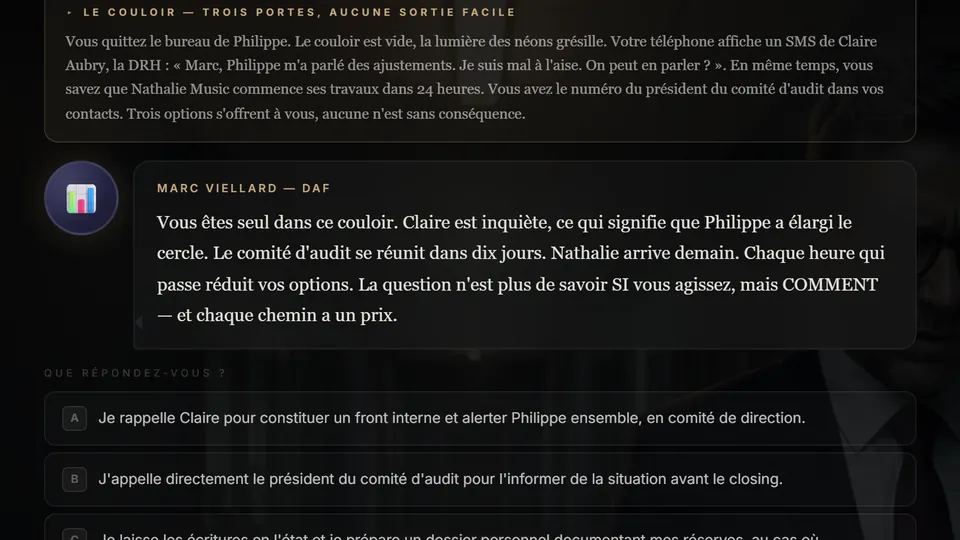
In short
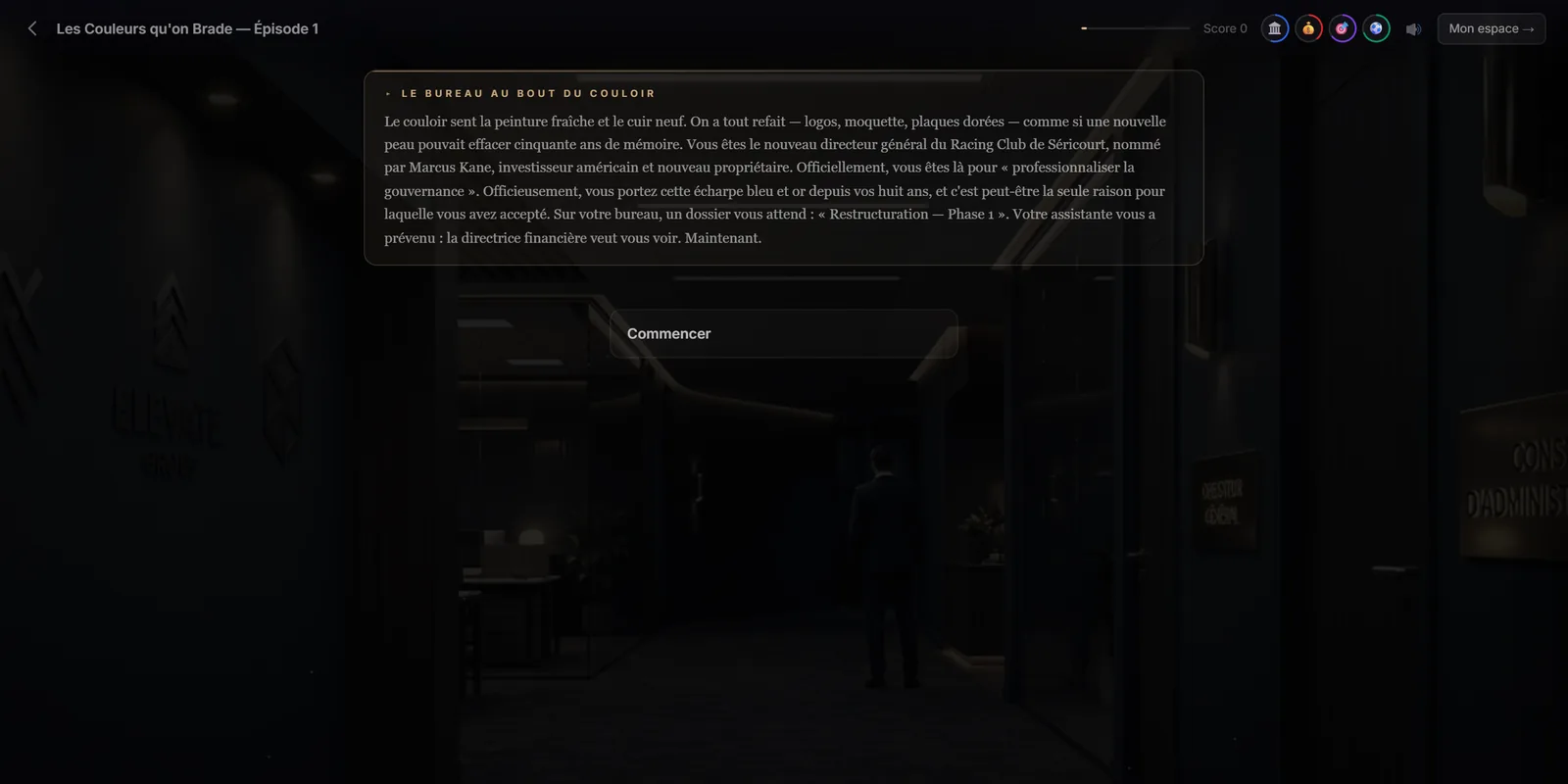
The narrative scene is a story passage, with no choices, that opens the scenario, marks a transition between two acts or closes it. In Immersio it comes in three variants: the introduction (always the first scene, with a “Start” button), the cinematic transition and the epilogue. It scores no points; it gives meaning to the decisions that follow.
At a glance
- What the learner does
- Reads, looks at the illustration, then continues.
- Variants
- Introduction, cinematic transition, epilogue.
- Measured
- Nothing: no score, no gauge.
- In the engine
- Always present: scene 1 is an introduction.
- Editable by hand
- Yes, in the studio editor.
What is a narrative scene for in a serious game?
A simulation only trains if the learner believes in it, and nobody believes in a situation they discover halfway through a multiple-choice question. Narrative provides three pieces of information without which the next decisions carry no weight: the context (where, when, under what pressure), the role (who am I, what am I responsible for) and the stakes (what could go wrong).
It's also a pacing tool. After a series of hard decisions, a short cinematic transition gives breathing room, moves story time forward (“three hours later…”) and sets up the next act. A path with no pause feels like a questionnaire; a well-paced path feels like a story.
What are the three narrative variants?
- The introduction always opens the scenario. It sets the scene and the learner's role, then the “Start” button launches the first decision.
- The cinematic transition separates two acts: a time jump, a change of place, breaking news. Immersio's engine readily places one just before the endings, to build tension.
- The epilogue closes a branch: it tells what became of the characters and the organisation after the learner's choices.
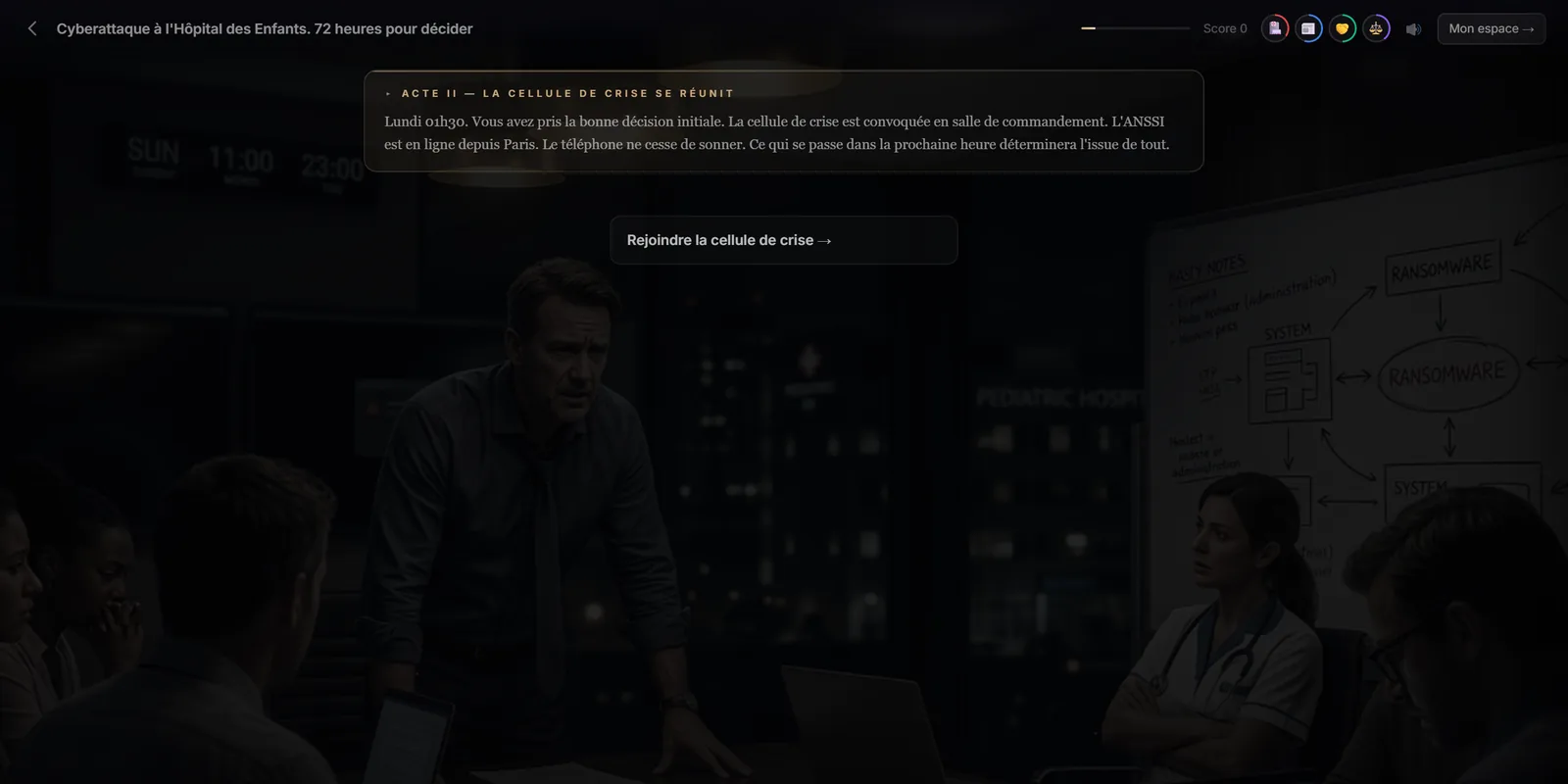
How do you write a good narrative scene?
- Start with a concrete detail: a time, a sound, a message on a screen. “Sunday, 11 pm, the phone rings” sets the scene faster than a paragraph of context.
- Tell learners who they are, in the second person: their job, their seniority, what is expected of them.
- Announce the stakes without giving the solution. Narrative opens a question; it doesn't settle it.
- Keep it short. A few sentences are enough; the rest will come through dialogue and decisions.
In the studio editor, every narrative scene can be edited by hand: title, text, character, illustration, button label and next scene.
What narrative doesn't do
It measures nothing. If you need to check that a piece of information has been understood, follow it with a decision that requires it. And overly long narrative loses learners: if a passage runs beyond a few sentences, it often hides a decision that deserves its own scene.
Frequently asked questions
Does the narrative scene score points?
No. It has no choices, so no score and no effect on the gauges. Its role is to provide context and pace.
Can a narrative scene be illustrated?
Yes. Immersio's engine produces a visual for every generated scene, included in the scene's credit, and you can replace the illustration with your own image in the editor.
Can a scenario start directly with a decision?
In generated scenarios, the first scene is always an introduction: it's a design choice, so learners know where they are before deciding. You can shorten it in the editor.
Create your first scenario
A training provider account gives you the studio, the scene formats and all four matrices. 7-day free trial, no credit card required, with 3 scenario generations to judge the result on your own topic. Scenarios are generated in French.
Create a training provider accountPrefer to compare first? See pricing · How it works