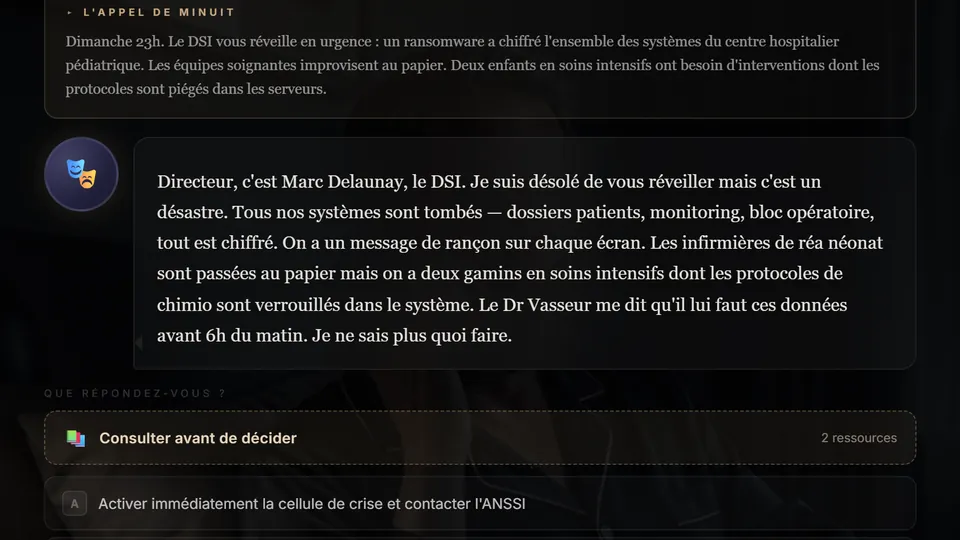
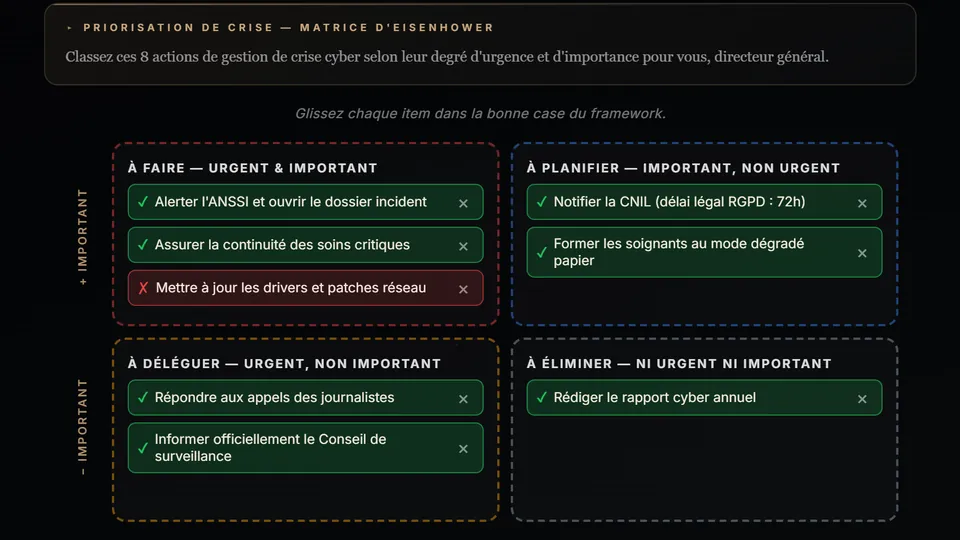
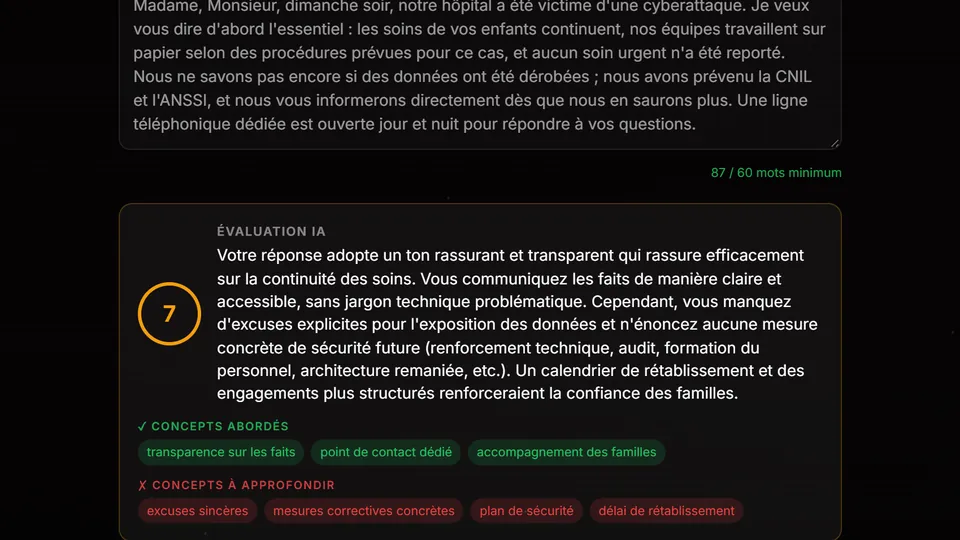
In short
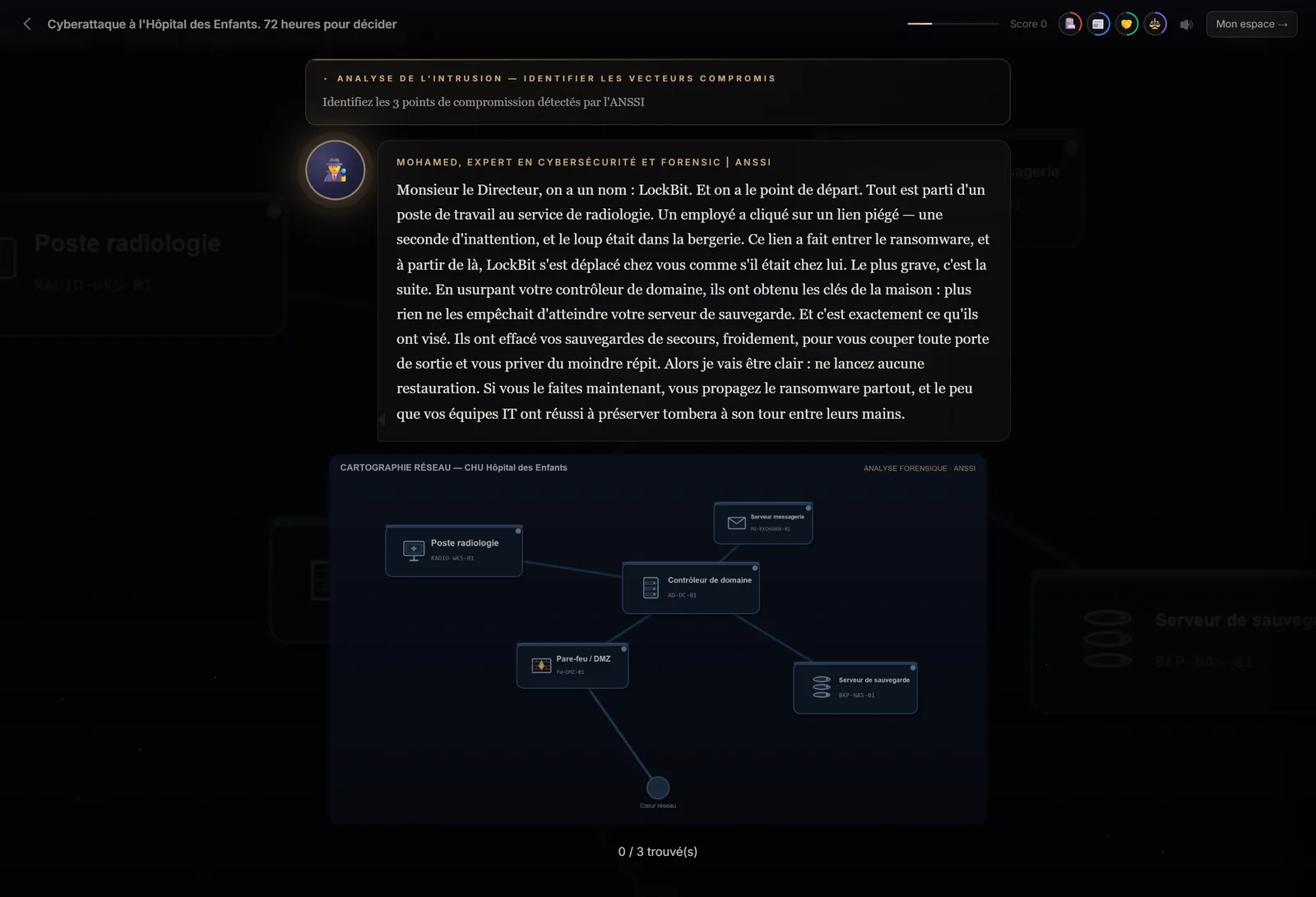
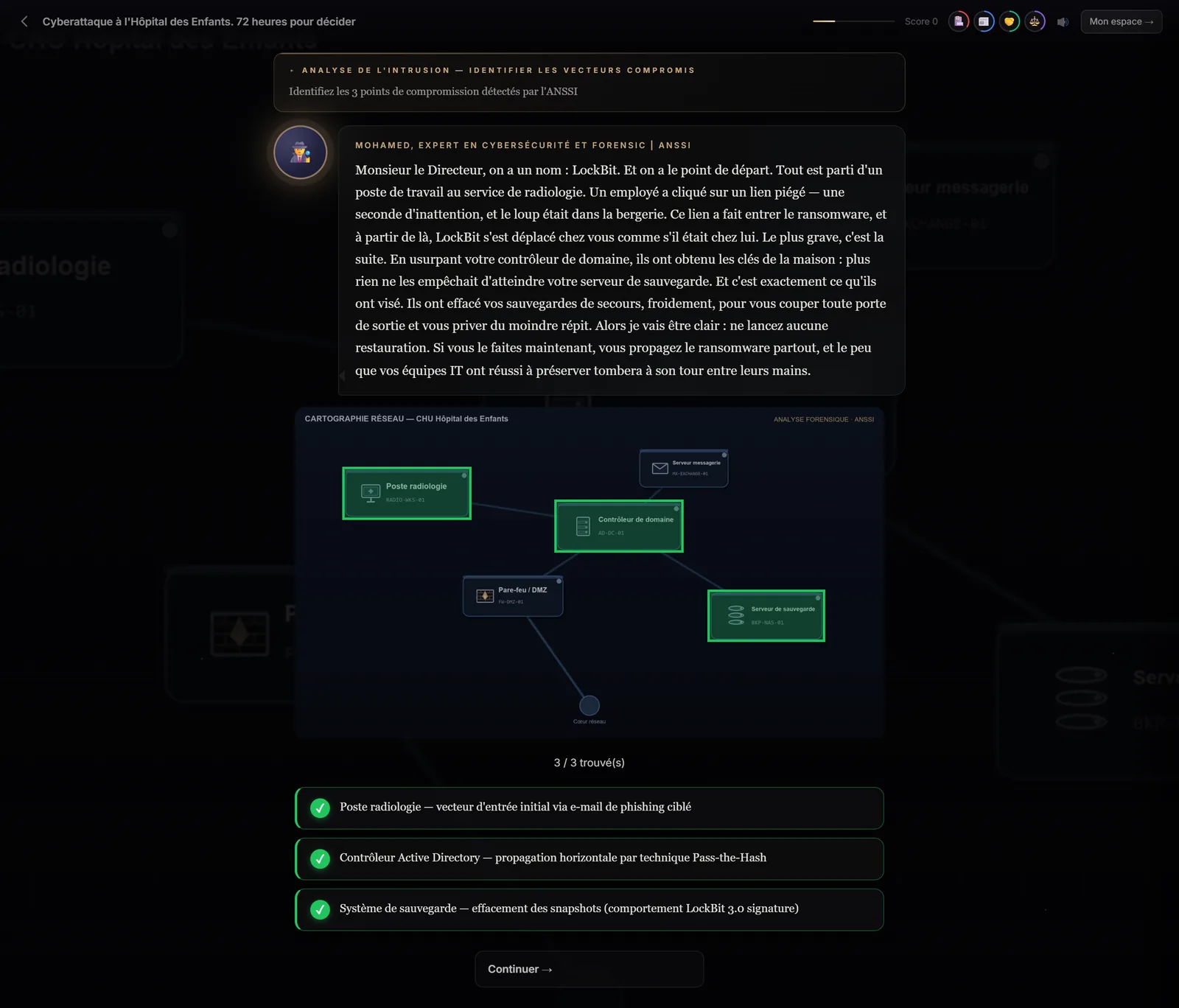
The observation scene shows an image and an instruction (“Identify the three points of compromise”). The learner clicks the areas they consider significant: each correct area is outlined in green and explains what it reveals; each trap is outlined in red. The scene ends when the required number of areas has been found. In Immersio, this scene type is currently built by the Immersio team: it isn't generated automatically.
At a glance
- What the learner does
- Searches for and clicks areas in an image.
- Structure
- An instruction, correct areas, trap areas.
- Measured
- Areas found, traps avoided.
- In the engine
- No: areas have to be placed on a specific image.
- Availability
- Built by the Immersio team, not yet in the training provider studio.
What does an observation scene train?
Perception. It's a skill in its own right, often neglected in training because it's hard to practise on paper. A good professional doesn't just react well: they notice the weak signal before the problem breaks out. In Bloom's taxonomy, it's the “analyse” level: breaking a situation down to isolate what matters.
How does an observation scene work?
- The learner reads the instruction, often given by a character who offers clues without giving the answer.
- They explore the image and click the areas that seem significant. Areas aren't highlighted: the eye gets no help.
- Each correct click shows what the area reveals; each click on a trap explains why it wasn't the right element.
- A counter shows progress; once the required number is reached, the learner continues.
Which courses benefit from observation?
- Health and safety at work: spotting risks at a workstation, on a building site, in a warehouse.
- Cybersecurity: identifying the signs of phishing in an email, the weaknesses of an architecture.
- Quality and compliance: finding anomalies in a document, a label, a report.
- Hospitality, retail, care: checking a room, a shelf, a care trolley before use.
Why isn't this format generated automatically?
Because an observation scene depends entirely on its image: you need to know exactly where each element is to place a clickable area on it. Generating areas on an image that doesn't exist yet would produce approximate targets and an unfair exercise. Immersio's engine therefore doesn't build this scene type.
Today, observation scenes are built by the Immersio team, and the training provider editor can't create them yet. If your course relies on visual spotting, tell us about your project. For everything else, the self-service studio lets you combine narrative, multiple choice, dialogue, dilemmas, open questions and matrices.
Frequently asked questions
Are the areas to find visible?
No. Areas are transparent: learners must spot them on their own. They are only outlined in green (correct area) or red (trap) once clicked.
Can a training provider create an observation scene in the studio?
Not yet. This scene type is built by the Immersio team; the self-service studio offers narrative, multiple choice, dialogue, dilemma, open question and matrix.
How many areas should there be?
Two to five correct areas and one or two traps are usually enough. Beyond that, the exercise becomes a hunt for detail and loses its professional meaning.
Create your first scenario
A training provider account gives you the studio, the scene formats and all four matrices. 7-day free trial, no credit card required, with 3 scenario generations to judge the result on your own topic. Scenarios are generated in French.
Create a training provider accountPrefer to compare first? See pricing · How it works